This article guides you through the steps to update the email address linked to your Bumpa account. Whether you’re switching to a new email or correcting an existing one, keeping your account email up to date ensures you continue to receive important notifications, security alerts, and account-related communications without interruption
- Log into your app
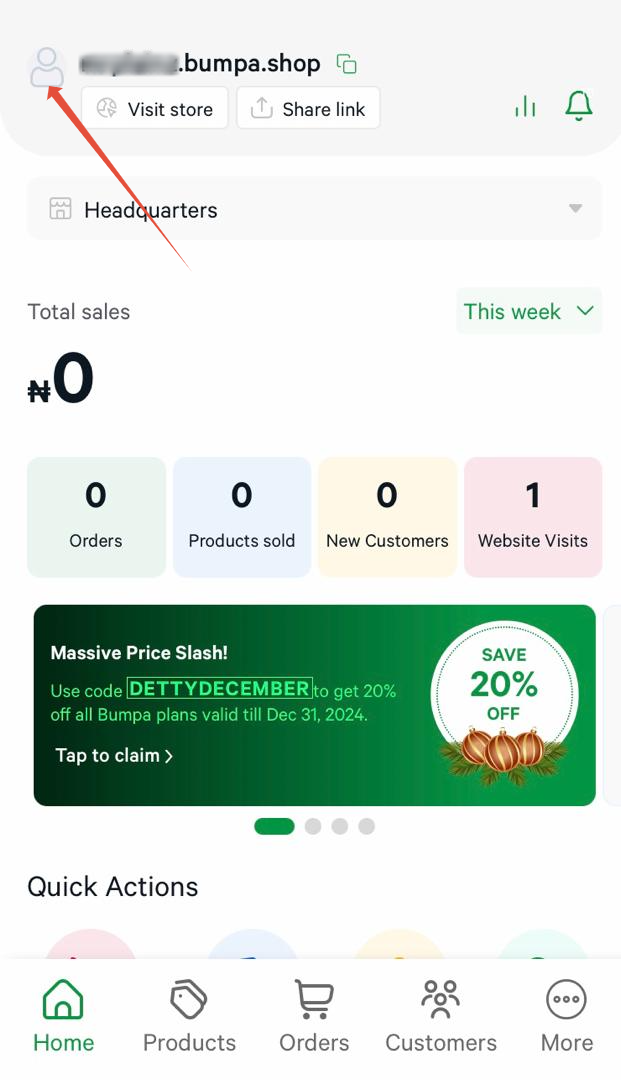
- Click on the profile icon at the top left of the home page.
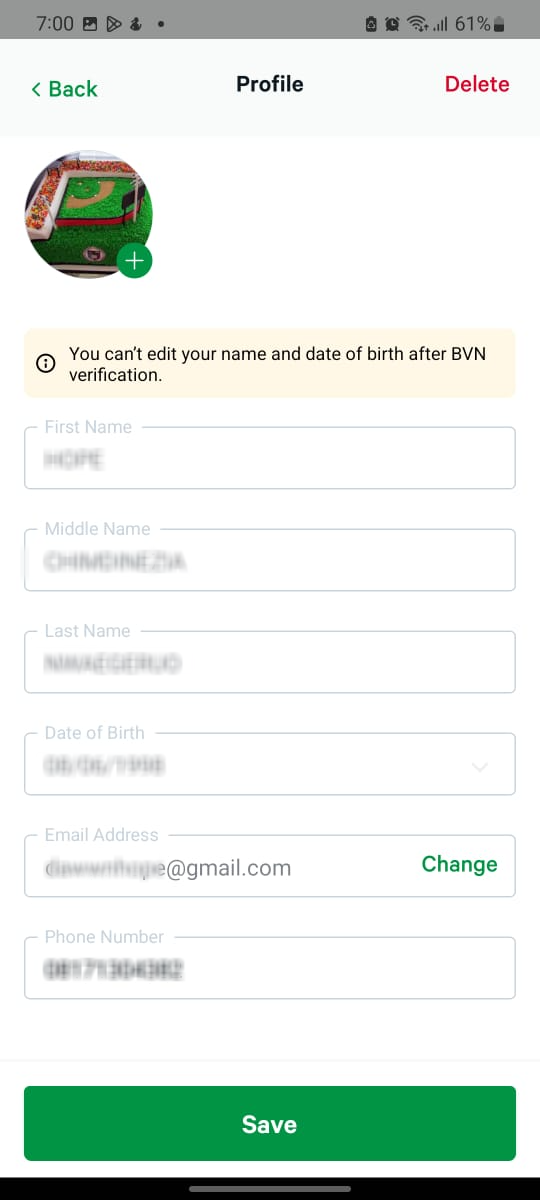
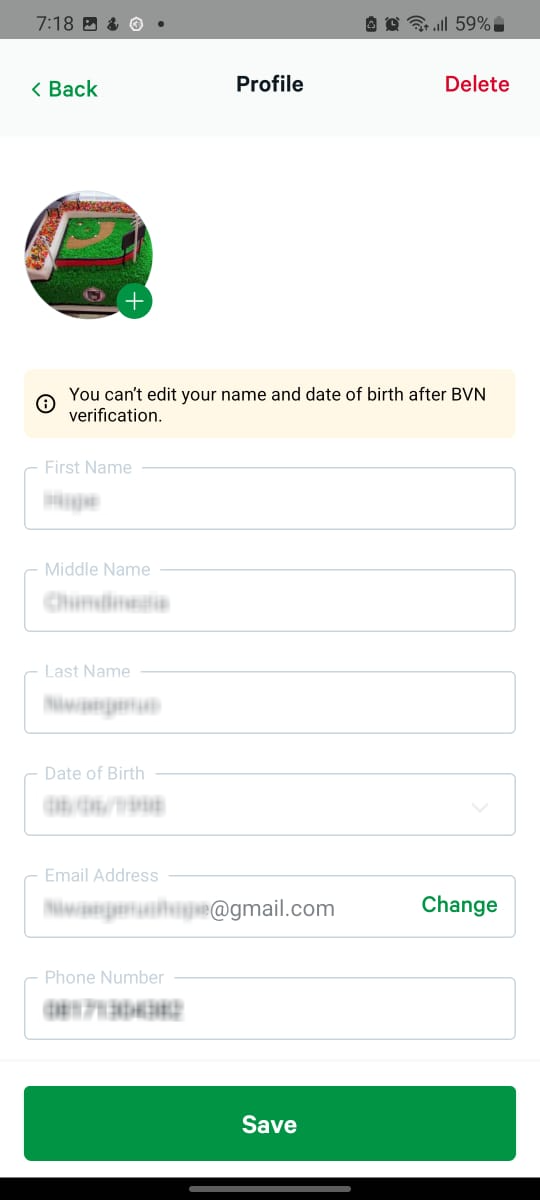
- Click on change
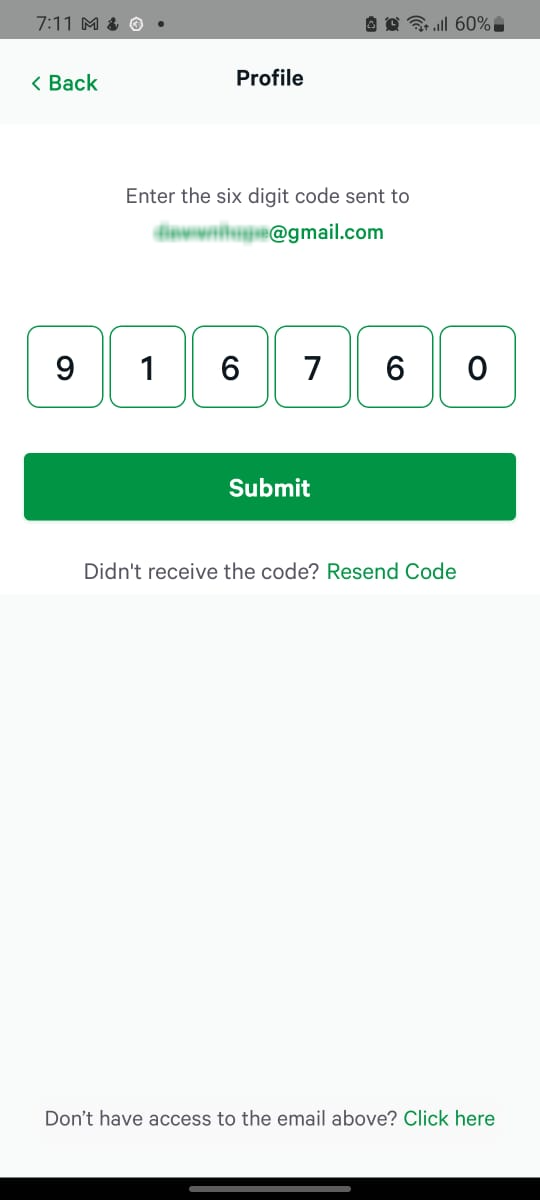
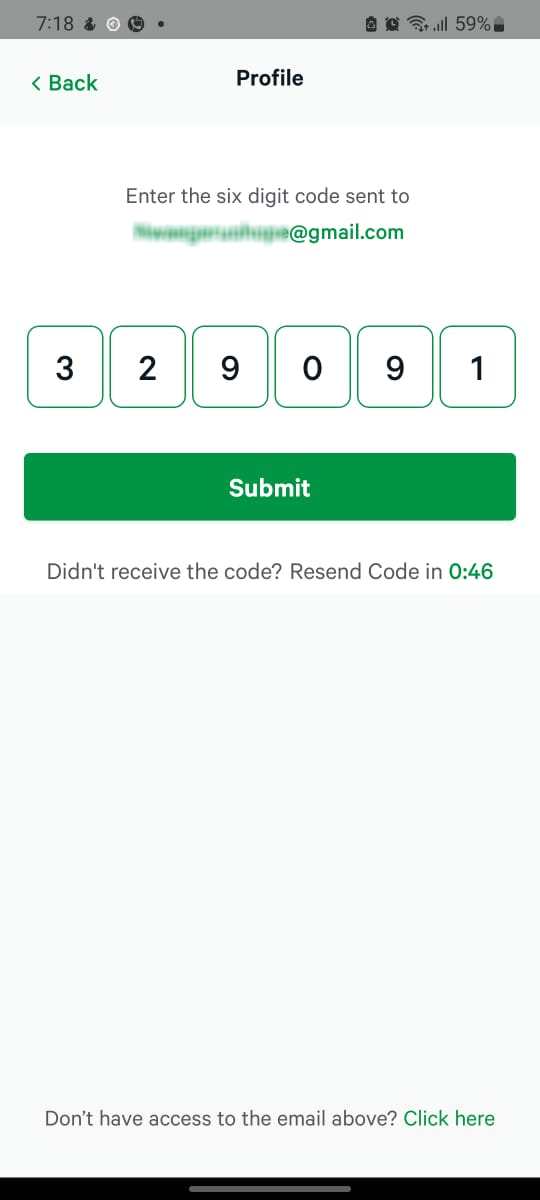
- Input the OTP sent to your email and click on submit
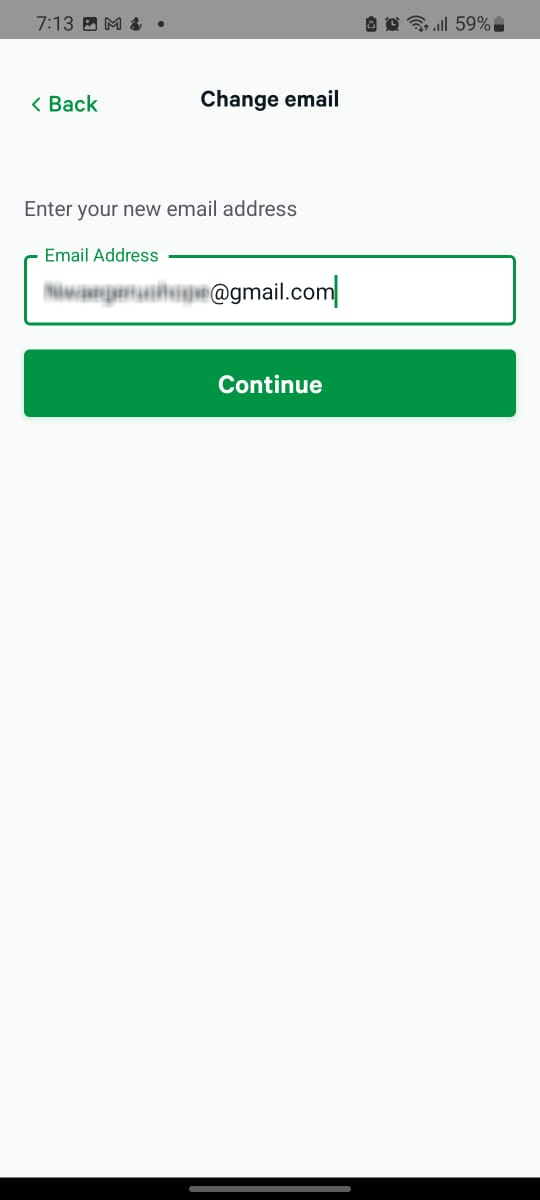
- Enter your new email address and click on continue
- Input the OTP sent to the new email address and click on submit
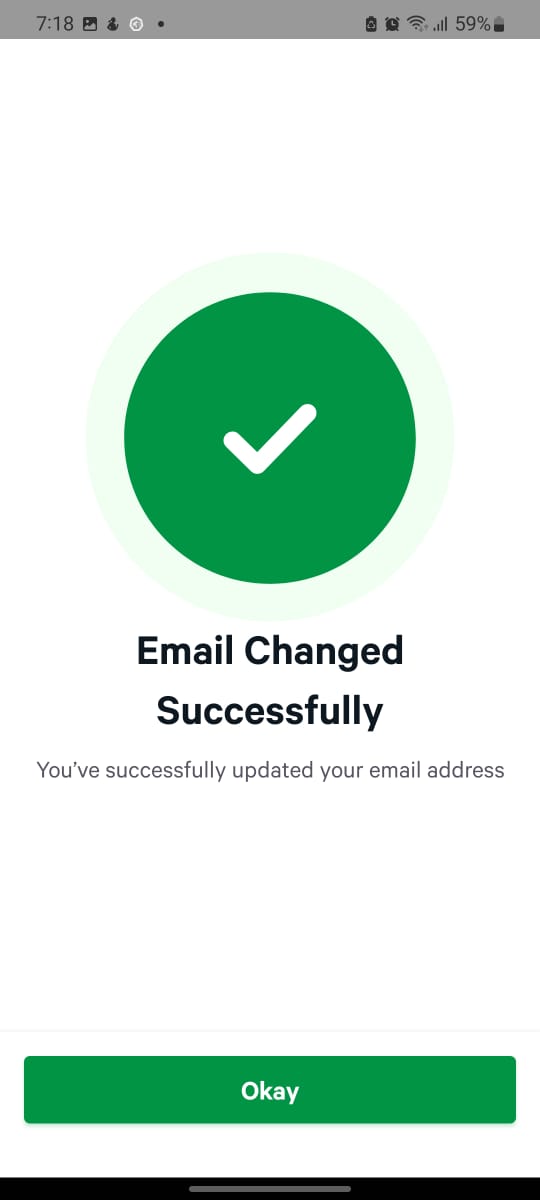
You'll receive a Success pop-up
- Click on Save
If you are unable to change your email address within the app, contact Bumpa Support and you will be required to provide the certain KYC details in order for your email address to be updated.Was this article helpful?
That’s Great!
Thank you for your feedback
Sorry! We couldn't be helpful
Thank you for your feedback
Feedback sent
We appreciate your effort and will try to fix the article